
Choose printed QR cards
Find a card design and review the available ordering options.
Before you start
Printed-card availability and delivery depend on your region.
Steps
Screenshots show the SnapAlbum web app with fictional demo data. Prices and dates are examples.
Open QR cards from your event and browse the template library.
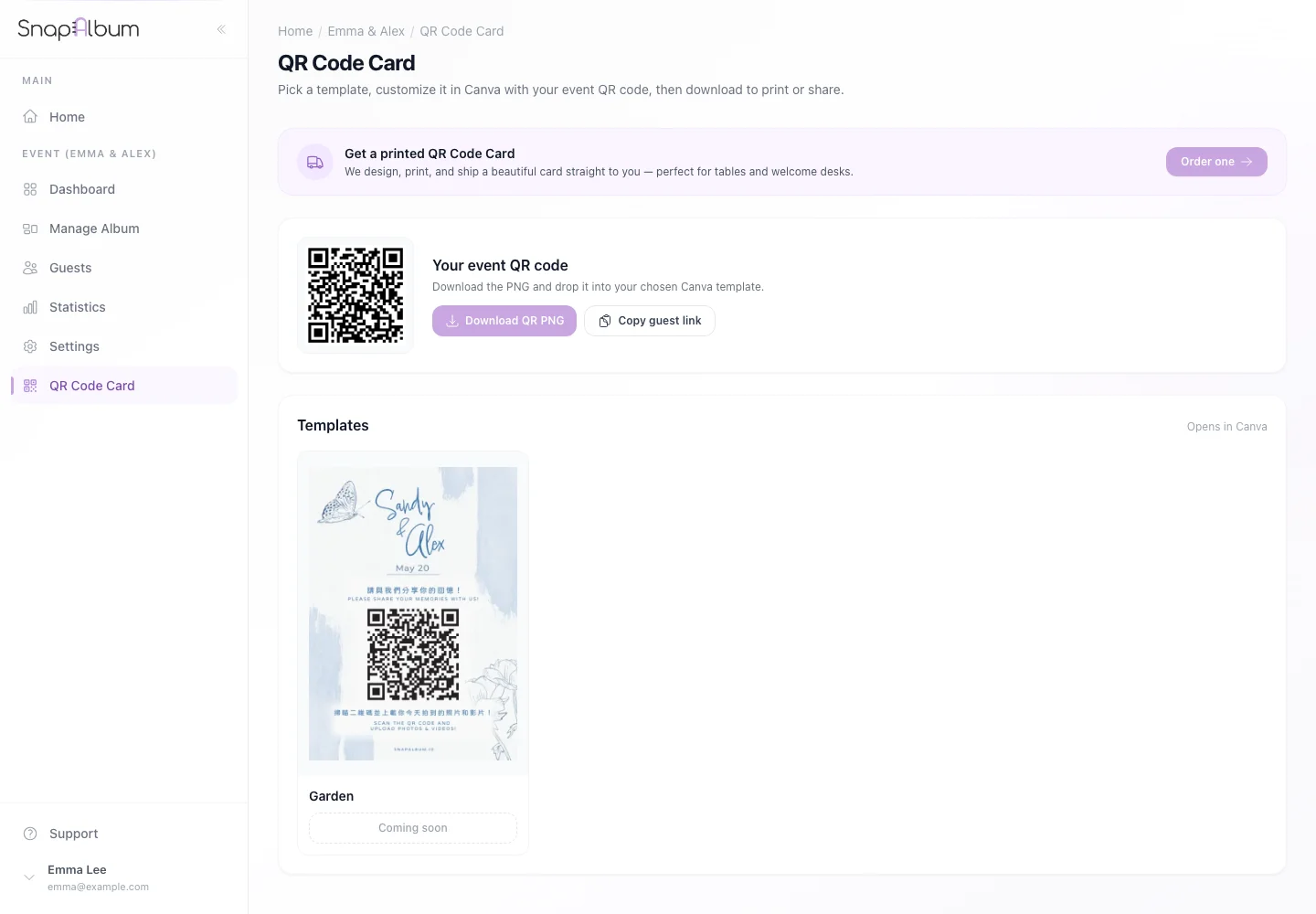
Open QR cards from your event and browse the template library. Choose a design and follow the ordering controls. Check the event link and any shipping information before payment.
Choose a design and follow the ordering controls. Check the event link and any shipping information before payment. If a card order is already present, open the order tab to review its proof and the actions currently available.
If a card order is already present, open the order tab to review its proof and the actions currently available.
When you are done
You can follow the card’s design and order progress in your event.
If something goes wrong
If ordering is unavailable, check your delivery region. Read the order status before requesting changes to an approved design.
Available features, photo storage periods and printed QR cards depend on your plan and region.