
Manage photos and albums
Organise the photos collected from your guests.
Before you start
Open photo management for the correct event. Album limits depend on the plan.
Steps
Screenshots show the SnapAlbum web app with fictional demo data. Prices and dates are examples.
Choose an album or browse the main gallery. Use the available filters to find the photos you need.
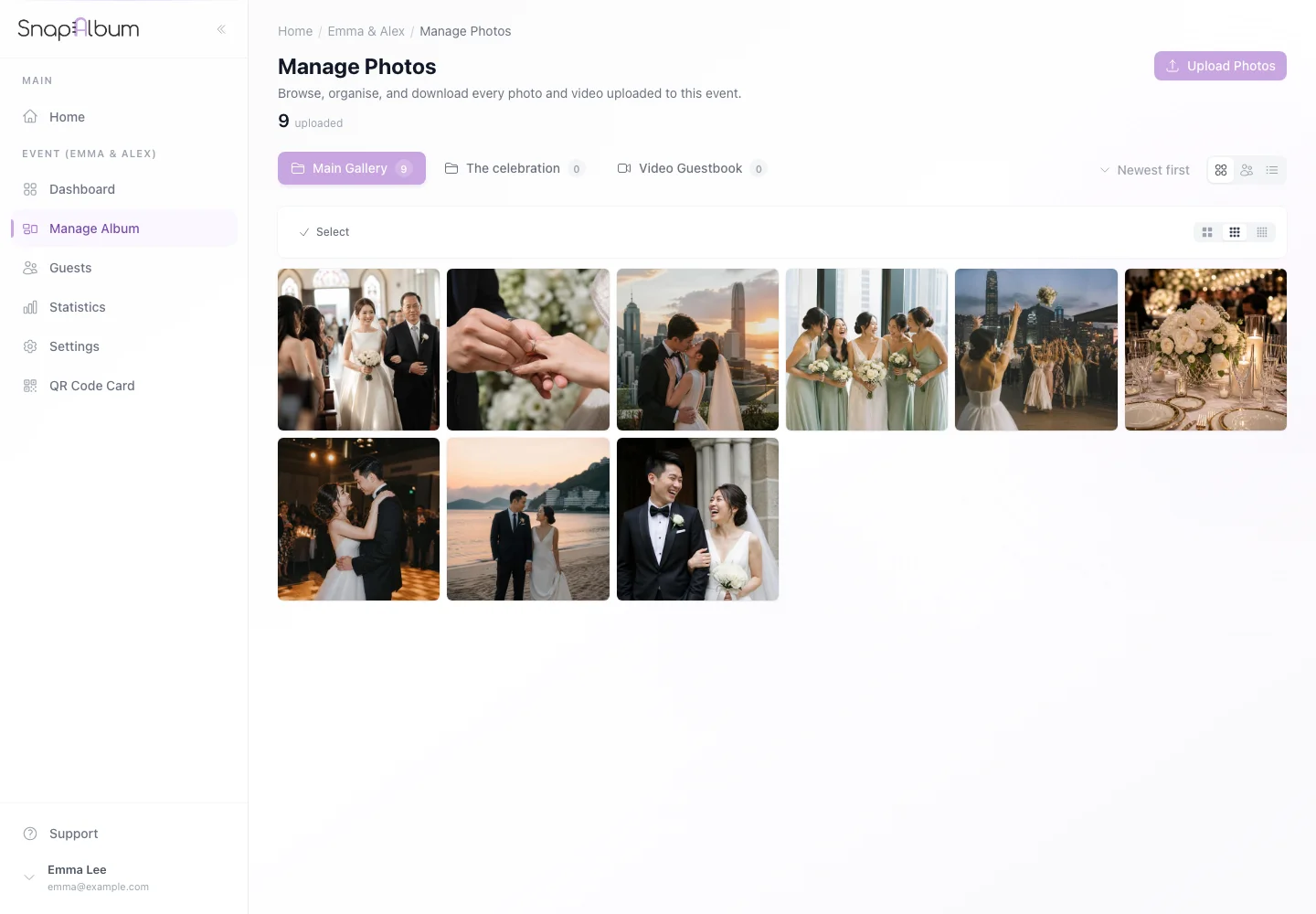
Choose an album or browse the main gallery. Use the available filters to find the photos you need. Create an album when the plan allows, then select photos and use the move action to organise them.
Create an album when the plan allows, then select photos and use the move action to organise them. Review your selection before deleting. Only delete photos you are sure you no longer need.
Review your selection before deleting. Only delete photos you are sure you no longer need.
When you are done
Your event photos are organised into the albums you chose.
If something goes wrong
If an album cannot be created, check the plan’s album allowance. Download a backup before deleting photos.
Available features, photo storage periods and printed QR cards depend on your plan and region.