
Download an event photo backup
Keep a copy of your event photos.
Before you start
Check your storage end date and allow time for a large download to be prepared.
Steps
Screenshots show the SnapAlbum web app with fictional demo data. Prices and dates are examples.
Open photo management and choose the album or photos to download.
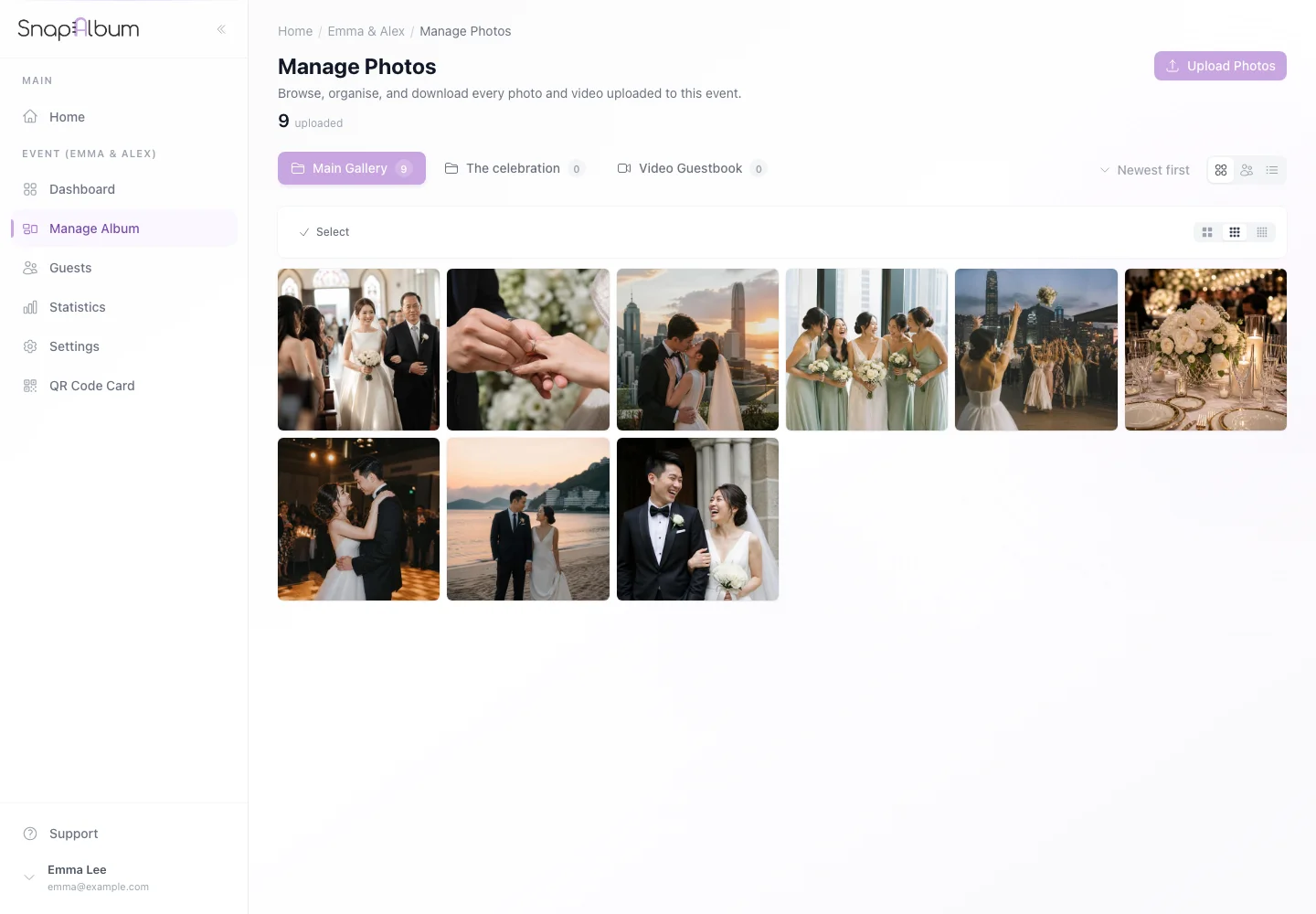
Open photo management and choose the album or photos to download. Use the download action and follow the prompts to choose the available download option.
Use the download action and follow the prompts to choose the available download option. Wait for the download to be prepared. Use the ready link and check your saved files before the storage period ends.
Wait for the download to be prepared. Use the ready link and check your saved files before the storage period ends.
When you are done
You have a personal backup outside your event.
If something goes wrong
For a large download, allow preparation time and keep your browser or download email available. Request a new link if the old one expires.
Available features, photo storage periods and printed QR cards depend on your plan and region.