
Check activity and guest contributions
See how your guests have contributed to the event.
Before you start
Sign in as the host and open the correct event.
Steps
Screenshots show the SnapAlbum web app with fictional demo data. Prices and dates are examples.
Open Statistics to review photo, video, guest and storage totals. Use the available time filters for the activity chart.
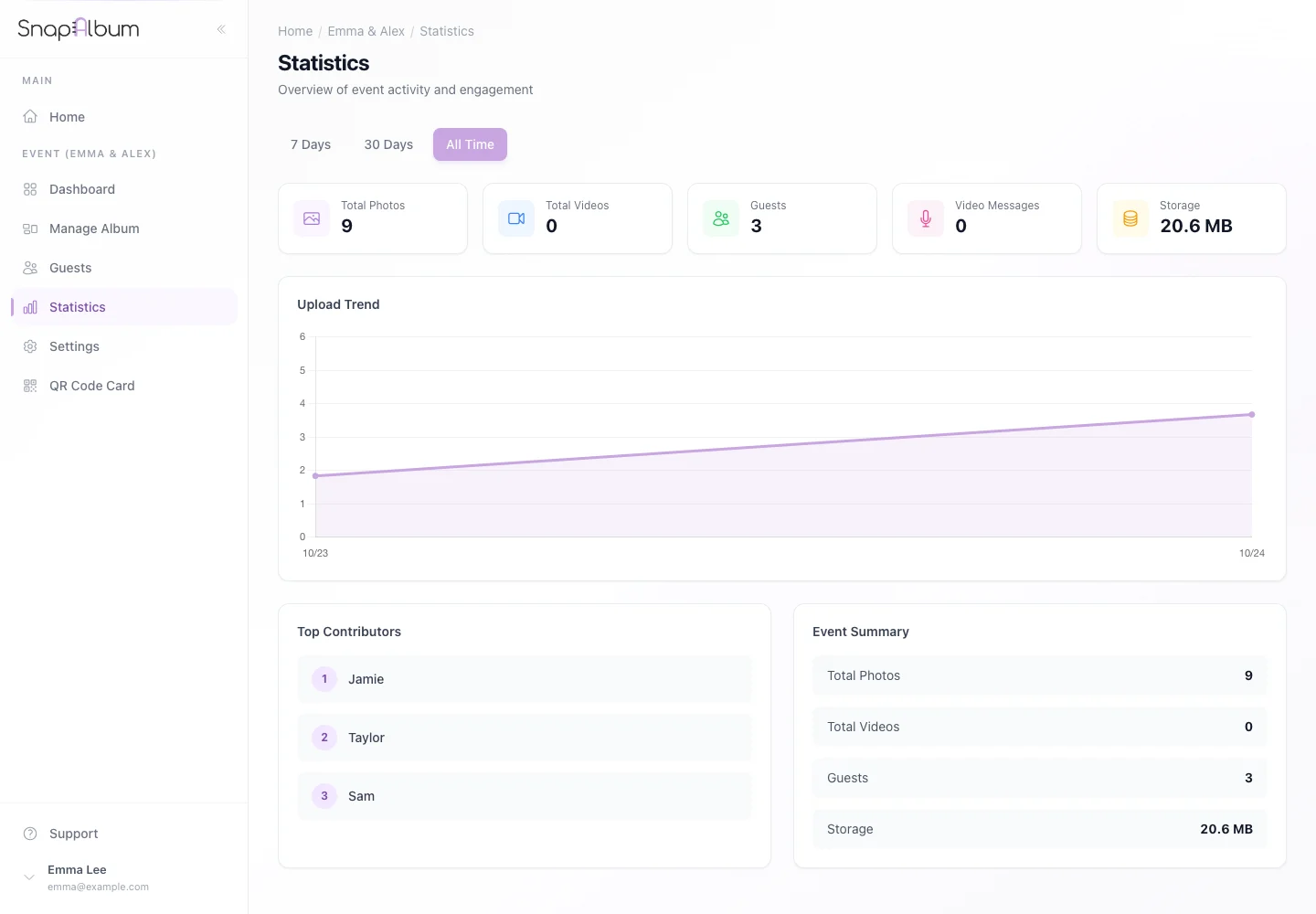
Open Statistics to review photo, video, guest and storage totals. Use the available time filters for the activity chart. Open Guests to find guest names and their contributions.
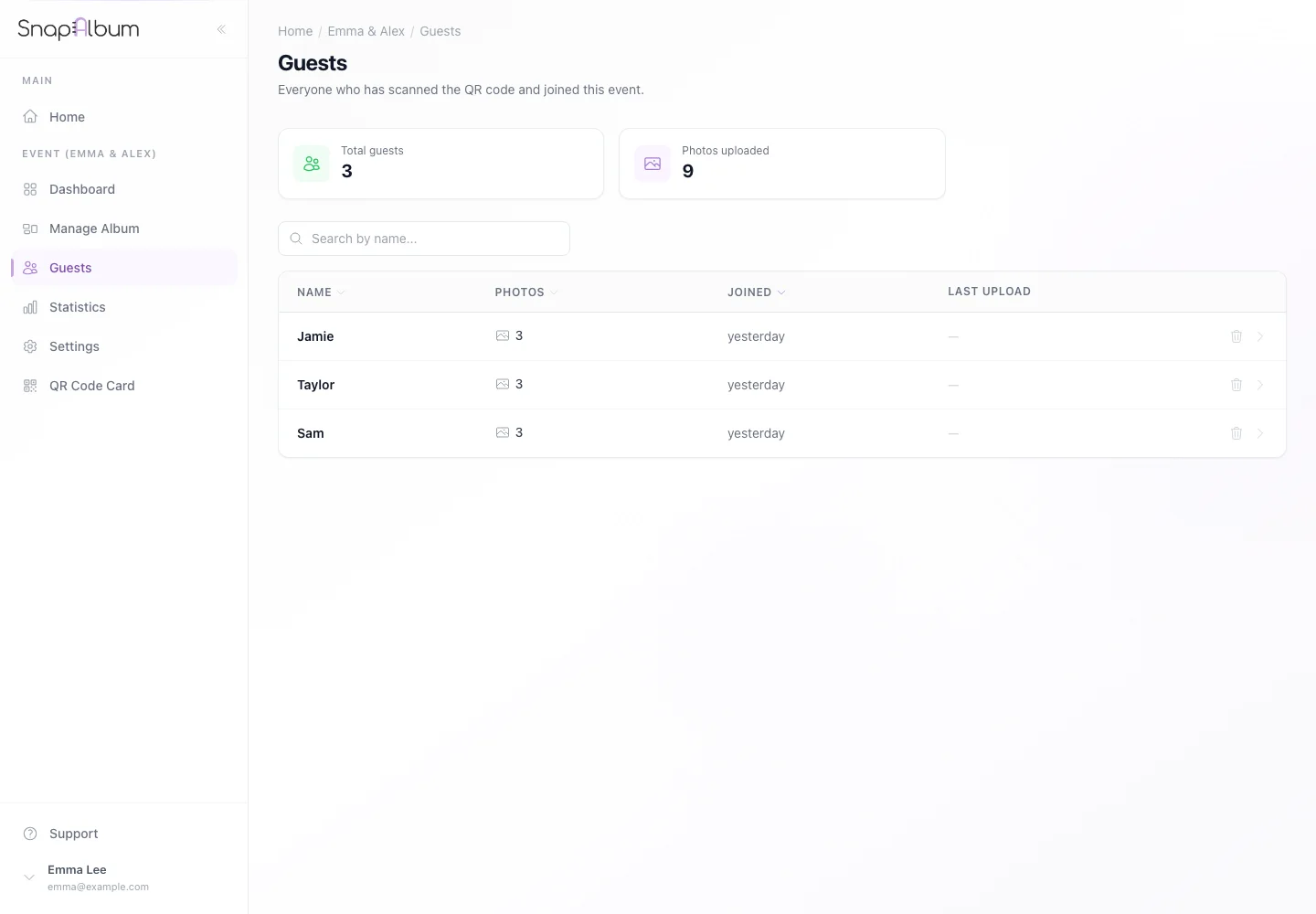
Open Guests to find guest names and their contributions. Select a guest to review the available detail. Check carefully before deleting a guest or their content.
Select a guest to review the available detail. Check carefully before deleting a guest or their content.
When you are done
You can see who contributed and how the event is progressing.
If something goes wrong
New uploads may take time to finish processing. A guest’s display name is not a verified account identity.
Available features, photo storage periods and printed QR cards depend on your plan and region.