
Browse and download guest photos
View the shared gallery and save your favourite moments.
Before you start
The host must allow access to the shared gallery.
Steps
Screenshots show the SnapAlbum web app with fictional demo data. Prices and dates are examples.
Open the event menu and choose the gallery.
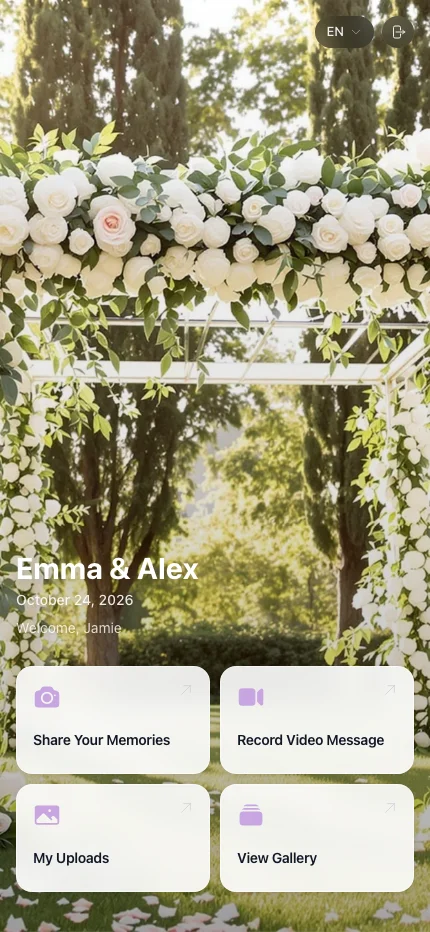
Open the event menu and choose the gallery. Browse the available albums and tap a photo to open it.
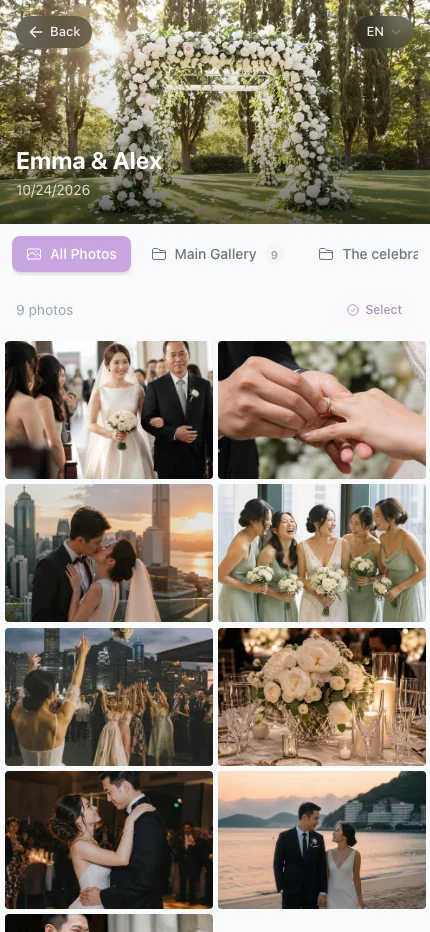
Browse the available albums and tap a photo to open it. Use the download control for a photo, or follow the selection and download prompts for several photos. Enter an email if requested.
Use the download control for a photo, or follow the selection and download prompts for several photos. Enter an email if requested.
When you are done
You can save the memories made available by your host.
If something goes wrong
If Gallery is missing, the host may have limited guest access. Download quality follows the host’s settings and plan.
Available features, photo storage periods and printed QR cards depend on your plan and region.