
Record a video guestbook message
Leave a spoken message for the hosts.
Before you start
The event plan must include the video guestbook and the host must enable it.
Steps
Screenshots show the SnapAlbum web app with fictional demo data. Prices and dates are examples.
Hosts: enable the video guestbook in the media options under Guest experience.
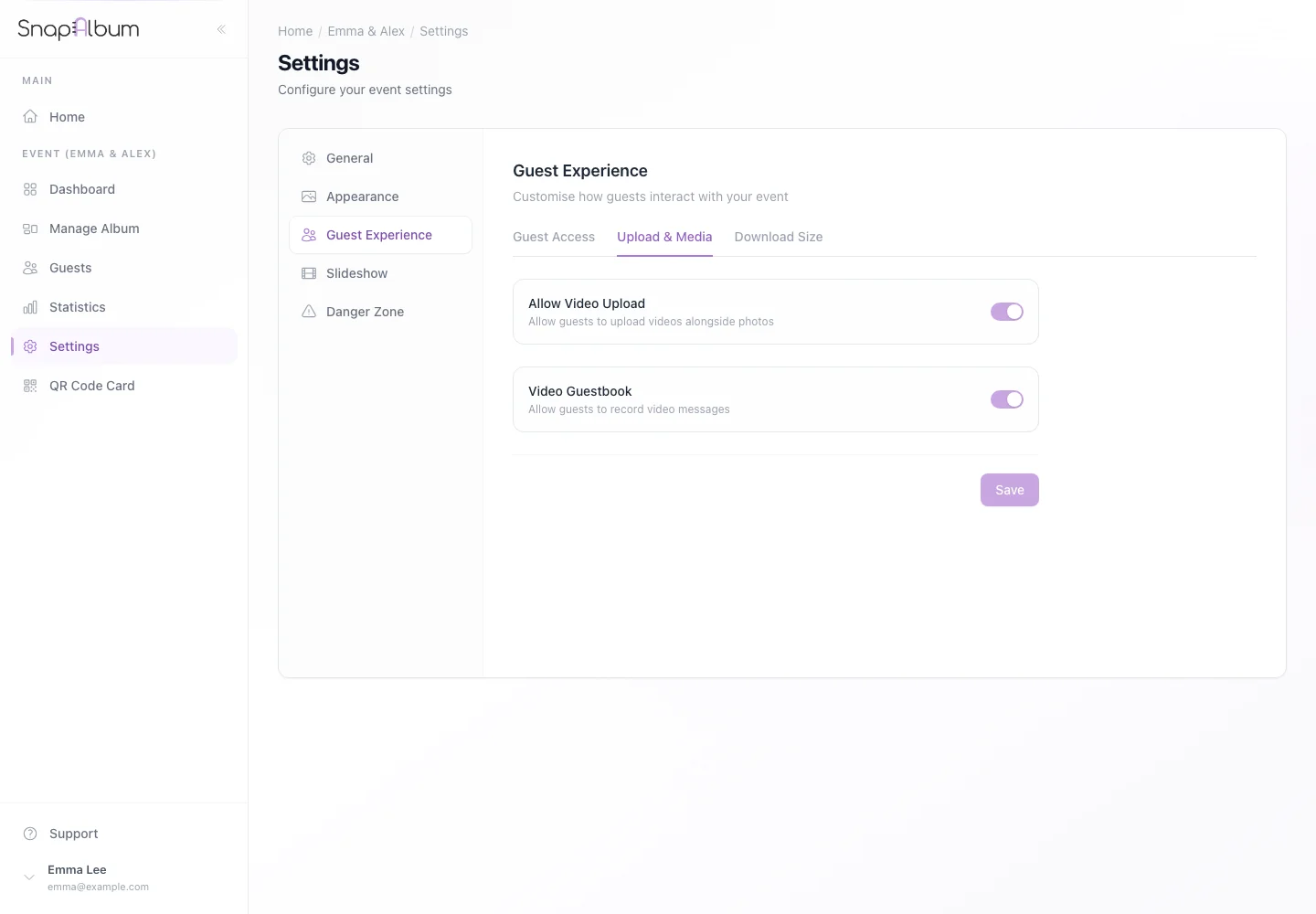
Hosts: enable the video guestbook in the media options under Guest experience. Guests: join the event and choose Video guestbook from the menu.
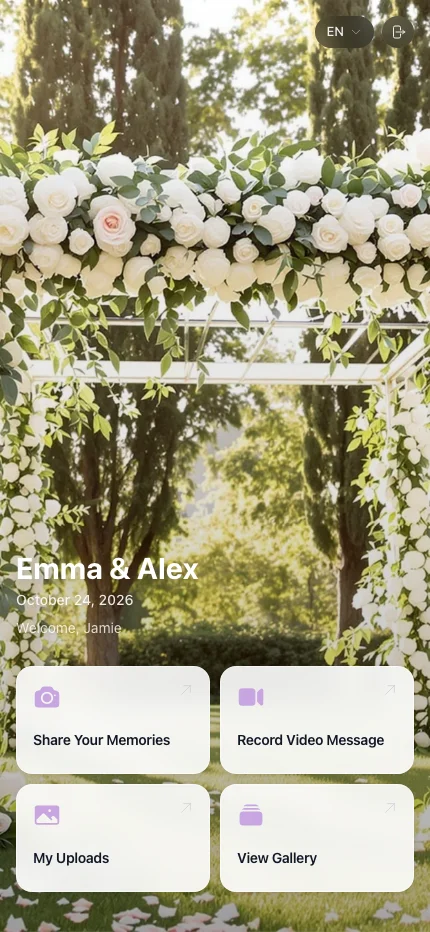
Guests: join the event and choose Video guestbook from the menu. Allow camera and microphone access. Record your message, review it and follow the page controls to submit.
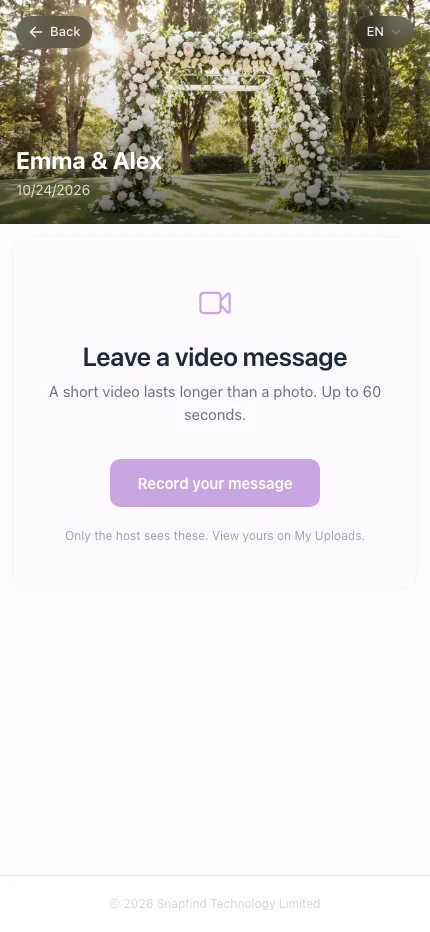
Allow camera and microphone access. Record your message, review it and follow the page controls to submit.
When you are done
The hosts can find your message in their event’s video guestbook.
If something goes wrong
If the camera does not open, check browser permissions and use Safari or Chrome. If the menu option is missing, ask the host.
Available features, photo storage periods and printed QR cards depend on your plan and region.